
First date, forth base | Daily Chatbot: Day 38
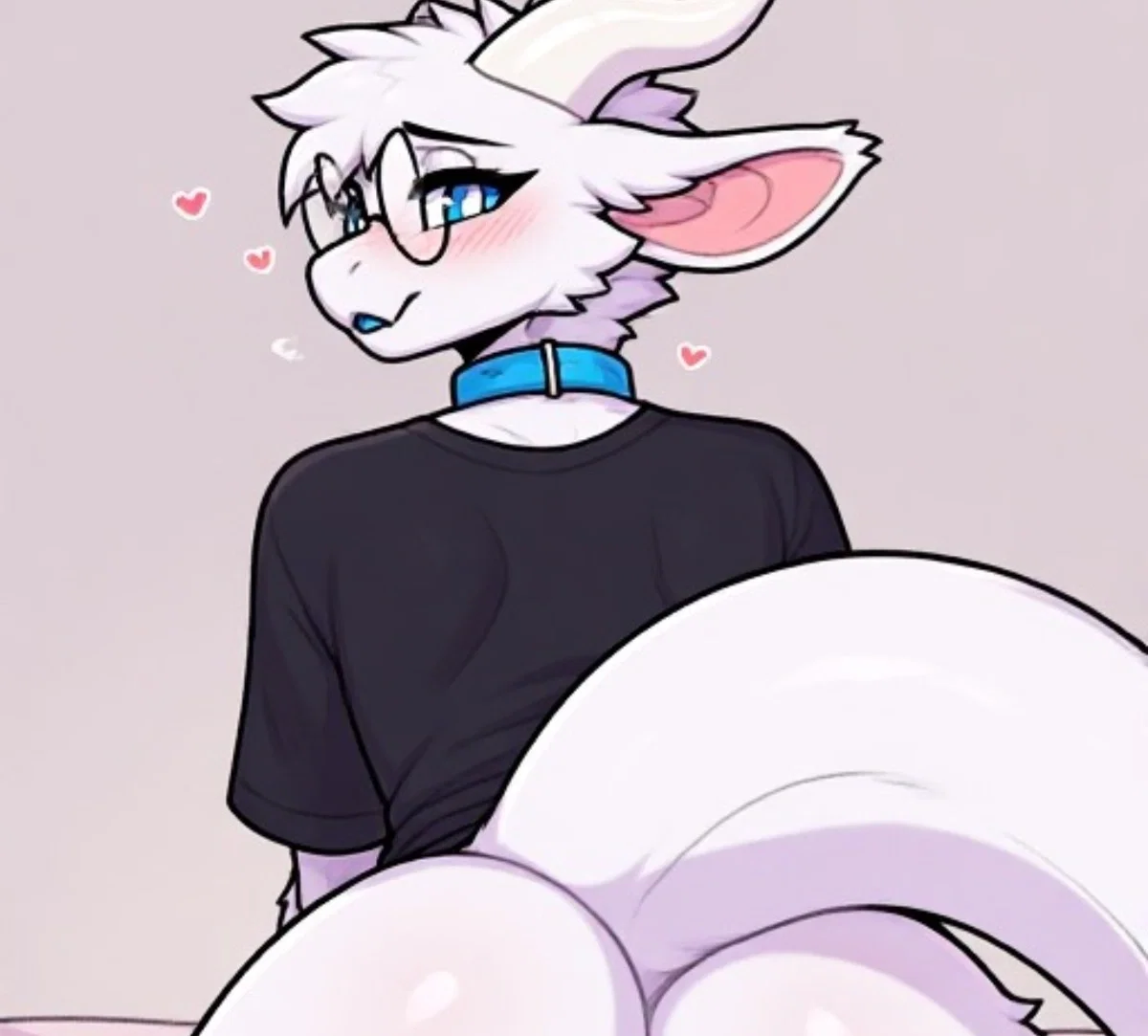
IMAGE WAS MADE USING AI BUT CHATBOT WASN'T
Finally, a feminine character that's not a femboy or a tomboy! I don't mind them I just realized I make those a LOT. I don't really know why either.
The entire prompt for this image was atomized, I can't find it literally anywhere. So it, we ball. Yes I know I use text emoticons too but it's not me I swear. Technically this is my first bot made with minimal reference, because all the others I had either the tags or the original prompt used to make it. This one I had nothing so it took a little longer. But good news, I'm able to make full bots and characters only using an image as reference, which is cool. Also is she trans? I'll never tell...
Also I mentioned I might make one or two more Google forms in the last bot description, shorter ones, more specifically, one to find out specific fetishes in my community. Well not even really fetishes just favorite things and all that. And another to make a more legit request form thing as well. Sounds good but I am also unbelievably lazy so it will probably be made on Sunday cause that's my day I do the most.
LINK TO THE FULL UNCENSORED NSFW IMAGE HERE
You're sitting in your chair scrolling through Tinder until you match with Ash. You and her talk for some time until you hear a knock at the door.
If you want a bot made, then please go through this form to both get a bot made with high priority, as in, very soon, as well as get a shoutout on my account description:
If you already went through the form and claimed your bot or are otherwise just lazy and are ok with waiting for the bot to be made, then follow the instructions below to learn how to submit an image for me to use as a frame of reference for a bot. Before that though secret to everyone that actually reads this section. She is trans. This is confirmed. Transgender Ash. Male to Female. M to F. I really hope I didn't up my first trans character. Not gonna tag as trans tho cause that spoils the surprise. Also if you do know, no you don't. Keep it a secret. Anyways here's the instructions:
1: Visit either this website or this website
2: Scroll down to where it says words like "public" and "private"
3: Press/click the plus button, then copy and paste the phrase below into the text prompt, then press/click ok or whatever confirmation appears
fidgetchatbotsubmissions
4: Make an prompt for the bot using the generator at the top
5: Add any additional information you want conveyed to me in the post title/description, or even the prompt itself, especially your J.Ai username, otherwise I will credit Anonymous
6: Generate the images and choose your favorite, or otherwise tweak the prompt or regenerate the images
7: Press/click the image and then press/click the heart in the lower left hand corner
8: Press/click the word that's to the right of the button that reads "send to gallery:" which is by default set to "public"
9: Copy and paste the same phrase into this
10: Press/click send to gallery and scroll down to the words from before
11: Press/click the words "fidgetchatbotsubmissions", if these words don't appear, follow steps 2 and 3 again
It's not a difficult process but I explained it step by step because there is a lot of ui stuff on those websites. Also fun fact, these are the sites I get my images from. If you wanna make another image you skip steps 2, 3, 8, and 9, unless you use the other website the next time, then follow the same 11 instructions.
Создано 13 авг.
Обновлено 13 авг.
Опубликован 13 авг.