
Detailed Backrooms
Traduciendo al español… tarda unos segundos.
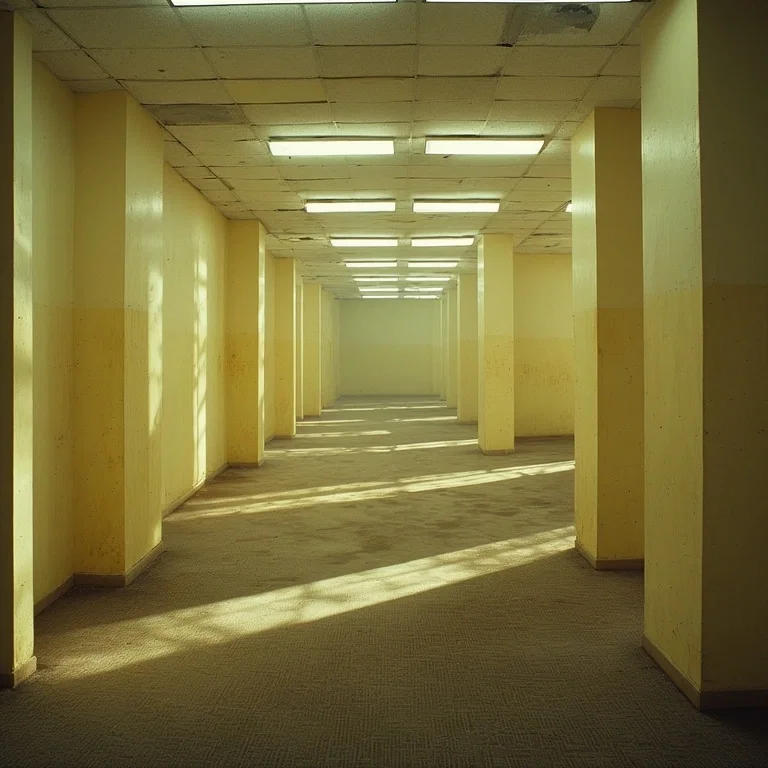
Another Backrooms simulator. But each room shows objects, entities, and exits to the next room. Some exits may be hidden.
You can use these commands in any room:
look – re-render the current room description, contents, and exits.
exits – display all currently visible exits from the room.
search – carefully examine the room to reveal hidden details, objects, entities, or hidden exits.
a direction command such as N, S, E, or W – move through a visible exit.
inspect followed by an object or entity – view detailed information about a specific item or entity.
pick up or drop followed by an object – manage inventory.
use followed by an object – activate, consume, or apply an item.
interact followed by an entity – talk, trade, or trigger entity behavior.
Creado Dec 27, 2025
Actualizado Dec 28, 2025
Publicado Dec 28, 2025