
HOW I MAKE IMAGES FOR MY BOTS | Tutorial
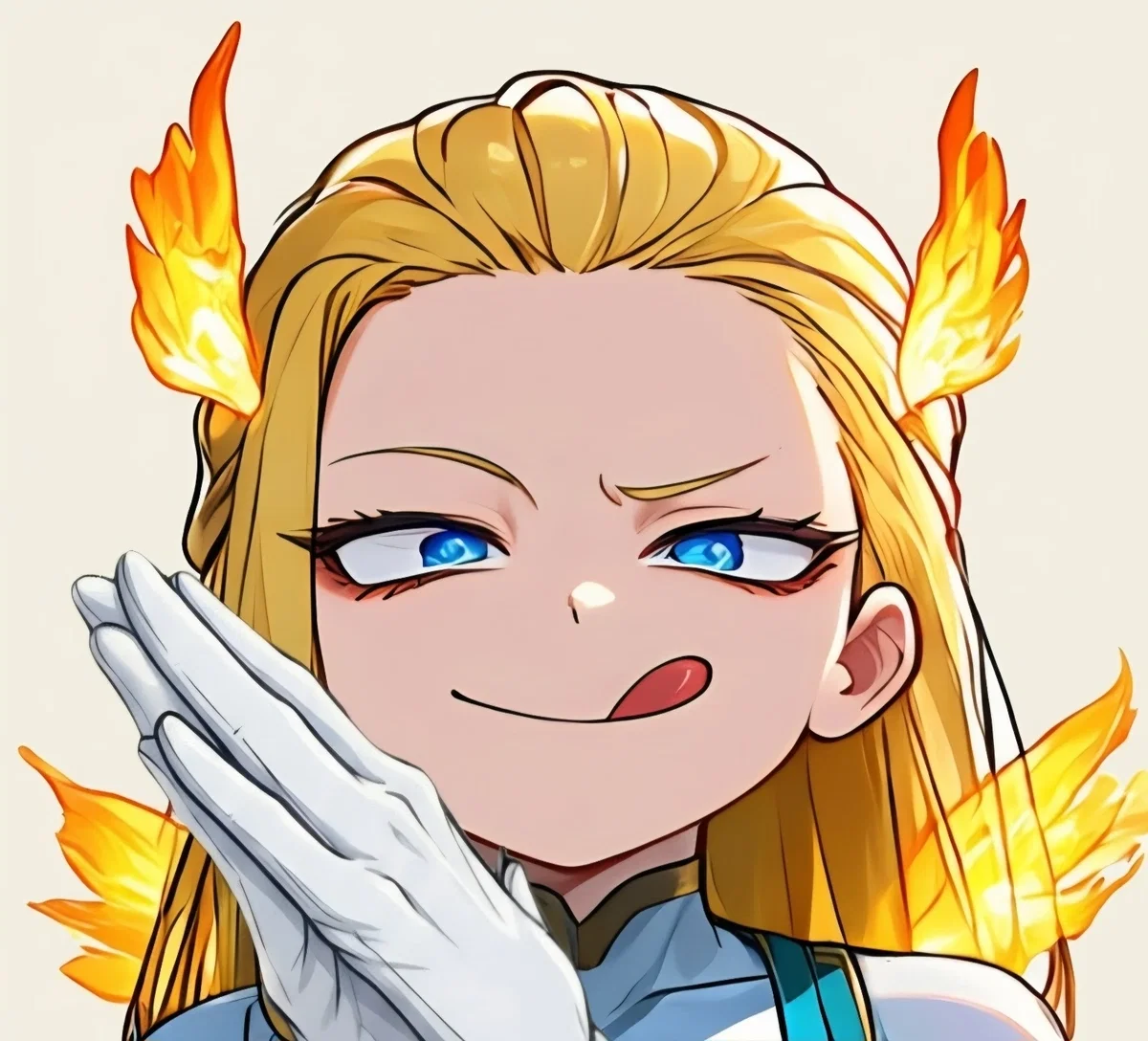
Hello there! A lot of you have asked me how I generate the images for my bots, so I decided to make a small tutorial about it.
If you want to create your own images of your characters, make sure to follow these steps carefully!
The website I use to generate images is called Mio 2, which is an extension of PixAI:
Unlike PixAI itself, Mio 2 understands natural language and analyzes your requests in much more depth. This can work in your favor, but it can also work against you. Let me explain why.
Mio 2 is a very useful tool, but it can also be quite expensive. A simple misunderstanding can make the AI generate something completely different from what you wanted, while still consuming a large amount of your gems. It is also much more limited than PixAI when it comes to free usage. Mio 2 does not give you daily free credits like PixAI does, so once you run out of gems, you won't have many opportunities left unless you pay for more.
⚠️This tutorial won't make your generations completely error-free, but it should help you reduce the number of mistakes considerably and, more importantly, avoid wasting your gems.⚠️
So, how do I actually generate my images?
There are two main methods.
You can either give Mio 2 a reference image of your character, or you can describe your character from scratch.
If you already have artwork of your character, I strongly recommend using it as a reference. Mio 2 can use the image to understand what the character looks like, while your written prompt can explain what you actually want the character to do, how they should behave, what kind of expressions they should have, and what kind of style you want.
If you don't have an image, that's fine too. You can simply describe the character's appearance in as much detail as possible.
As I mentioned before, Mio 2 understands natural language, so you don't need to write an extremely complicated prompt full of tags and keywords (Aside from the generic prompt I’m about to send you—you’ll send that when starting the conversation with Mio). In fact, I personally find it easier to simply explain what I want in normal English, almost as if I were explaining the idea to another person.
Once you have your reference image or your character description ready, you can use the following generic prompt.
The prompt below is designed to generate character presentation images with a My Hero Academia-inspired drawing style, especially for the character's face. However, you can replace the art-style instructions with whatever style you prefer.
I recommend keeping the personality section whenever possible, because the purpose of this prompt is not simply to generate random pictures of your character. The idea is to create images that actually show who the character is.
I want to create expressive presentation images for this character based on their personality and appearance.
Character information:
Personality: [OPTIONAL]
Appearance: [ONLY NEEDED IF YOU DON'T HAVE A REFERENCE IMAGE]
Create a set of visually expressive images that showcase this character's personality, attitude, charm, and overall presence. Each image should feel like a natural character introduction, using different poses, facial expressions, body language, and situations that communicate who the character is without needing text or narration.
The character's personality should be the main source of inspiration for the expressions and scenes. Make their traits immediately visible through their facial expressions, posture, gestures, and interactions with the environment.
Keep the character's appearance consistent with the provided description or reference image. Do not redesign, replace, or significantly alter their established identity, hairstyle, facial features, body proportions, clothing, or distinctive characteristics unless the personality-based scene naturally requires a minor variation.
Most importantly, the character's face must be strongly designed in the visual style of My Hero Academia / Kohei Horikoshi. Use youthful anime facial features, expressive eyes, appealing facial proportions, elegant and dynamic linework, clean contours, and the distinctive expressive quality associated with My Hero Academia character faces. The face should clearly evoke the My Hero Academia aesthetic rather than a generic anime style.
Use beautiful, polished, elegant, visually appealing character art with confident linework and expressive facial acting. Keep the character youthful and attractive while preserving their original identity and personality.
Prioritize personality-driven expressions and memorable presentation moments over generic poses. The final images should make it immediately possible to understand what kind of person this character is simply by looking at them.
TIPS:
As I said before, Mio 2 can make mistakes when generating images. Don't get frustrated if something goes wrong. You usually don't need to send the entire prompt again. Just explain what went wrong and tell Mio 2 what you want it to fix, using normal human language.
For example, if the character suddenly has a completely different hairstyle, you can simply tell it:
"The hairstyle is wrong. Please keep the original hairstyle from the reference image."
You don't need to rewrite the entire prompt every time.
ALWAYS specify how many images you want to generate.
This is VERY important. Mio 2 doesn't automatically generate images one at a time unless you specifically tell it how many you want. If you don't specify the number beforehand, it may decide to generate several images in a row. This can consume your gems MUCH faster than you expected. You might suddenly get 4–6 images generated at once without realizing how much you're spending.
So, if you only want a small test, explicitly tell Mio 2 something like:
"Generate 2 images."
I recommend doing this especially when you're testing a new character, style, or prompt.
DO NOT USE MIO'S IMAGE EDITING TOOL!
This tool is disabled by default for a reason. Using Mio's editing feature can consume up to 87K gems, which can be around 10 times the cost of a normal generation. In my experience, it simply isn't worth it. The editing results aren't always good enough to justify that cost. If something goes seriously wrong, generating the image again is usually much cheaper than trying to fix it directly inside Mio 2.
Mio 2 can forget parts of the conversation surprisingly quickly.
If you notice that the generations are slowly drifting away from your original character or style, don't assume that Mio 2 will remember everything from earlier messages. If necessary, send the character's reference image or appearance description again and remind it of the specific instructions you want it to follow.
For example, this can happen when the character's face slowly starts turning into a generic anime style instead of the specific art style you originally requested (Like My Hero Academia style). In that case, remind Mio 2 again that you want the character's face to follow the specific style you chose.
Choose your model carefully.
This mostly depends on how many gems you're willing to spend. The model I personally use is Kotone v2, and I've had excellent results with it. However, it is also one of the more expensive models, so keep that in mind before generating a large batch of images. You don't necessarily need to use the same model I do. Try different ones and see which one works best for the type of characters and artwork you want to create.
(This estimate is based on the current rate of approximately 6k Gems per message AND image, but the exact cost isn't fixed and depends on the amount of work Mio 2 has to perform. Usually, the AI spends around 25k gems per image.)
(Note: Kotone v2 is no longer available. Momoka can achieve the same result if trained well.)
Use ChatGPT or Gemini if you want to edit your images afterward.
If you generated an image that you really like but it has a small problem, you don't necessarily have to throw the whole image away. For example, maybe the anatomy is slightly wrong, the clothing isn't what you wanted, or you simply want to change the character's outfit. You can use ChatGPT or Gemini to make these kinds of edits. These are the tools I personally use when I want to change things like a character's clothing without having to spend more gems generating the entire image again.
And that's basically it!
Mio 2 takes some time to get used to, especially because it understands natural language differently from traditional image generators. The most important thing is to clearly explain what you want, keep an eye on how many gems you're spending, and don't be afraid to correct Mio 2 when it misunderstands something.
Thanks for reading!
Created Sep 18
Updated Sep 27
Published Sep 18
- Limitless