
AFTER THE CREDITS | PROFILE CSS TEMPLATE [FREE]
by:@titoo_45
Every story leaves something behind
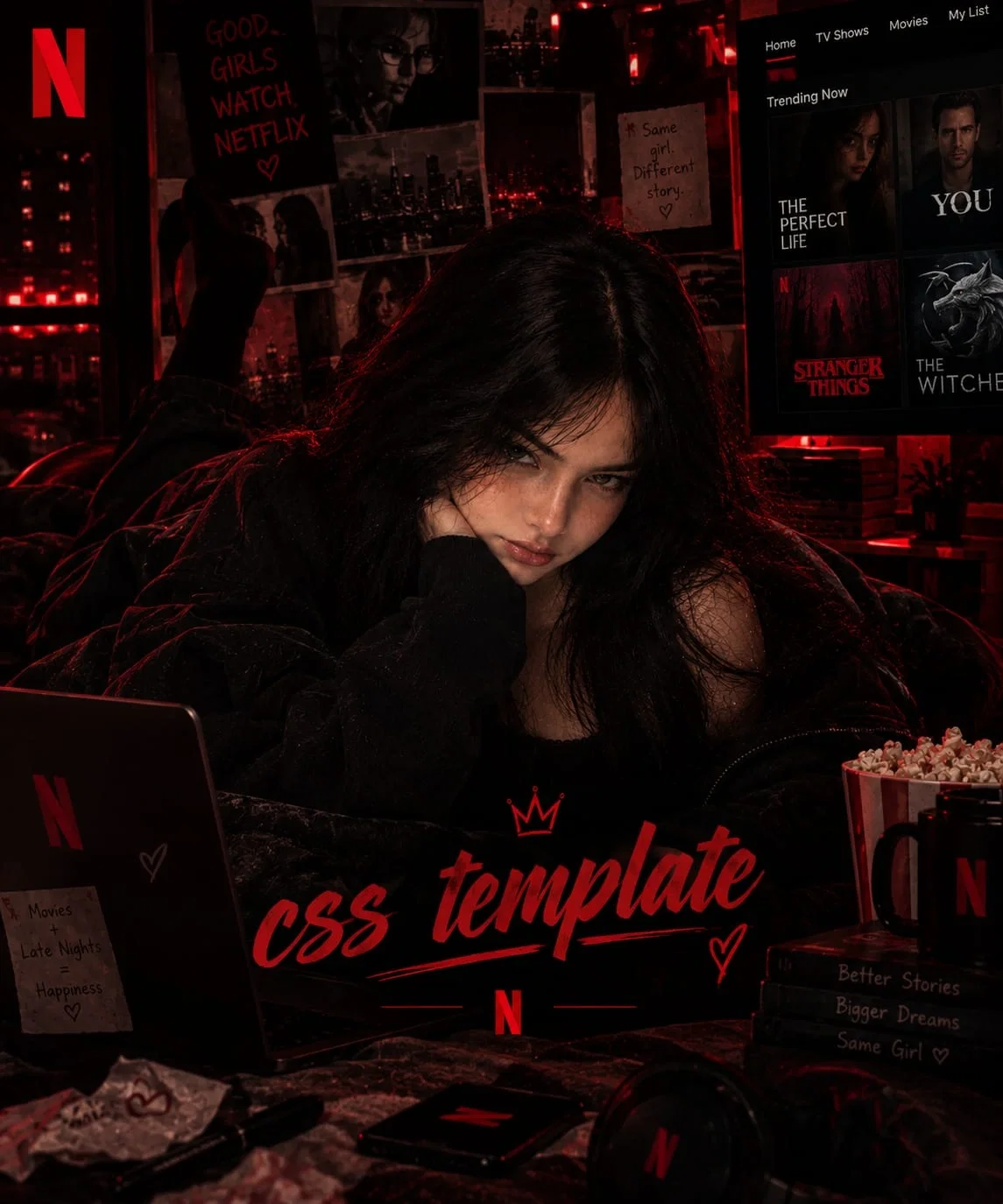
ABOUT IT : A cinematic, streaming-platform-inspired profile theme with a black, charcoal, and bold red colour palette. Designed to give your Janitor AI profile the feeling of a personal movie and series library, with custom sections, interactive details, and plenty of room to showcase your work.
WHAT'S INCLUDED?
The template comes with several custom-designed sections:
Profile Banner: A cinematic introduction area for your profile.
About Me: A dedicated space to introduce yourself.
Series Section: Showcase your lore books & creations in a series-style layout.
Friend Zone: A section to showcase your friends and connections.
Gallery: Display your favourite pictures and visual collections (not scrollable).
Rules Section: Organize your profile rules in a clean, readable layout.
Notifications: Custom notification styling and visual details.
Links & Buttons: Styled areas for your external links and profile navigation.
Character Cards: Customized card layouts, tags, hover effects, and styling.
୨୧ ⊹ ࣪ ˖ ───────── ˖ ࣪⊹ ୨୧
HOW TO USE THE TEMPLATE
Don't worry if you're new to HTML and CSS! This template comes with a built-in editing guide to help you understand what everything does.
Copy the ENTIRE THING DROM THE GOOGLE DOC , EVERYTHING.
Open your Janitor AI PROFILE.
Go to the editor section and paste the complete code there.
You'll notice green lines of text throughout the code. Those are the guide notes and comments explaining each section.
Read the notes to understand what you can edit, where to find it, and how to customize it.
Change the text, images, links, colours, fonts, sizes, and other details according to your preferences.
Save your code and check your profile!
IMPORTANT: You do not need to cut, delete, or remove the green guide notes. They are comments for the editor, not content that will appear on your public profile. Just read the guide, make your edits, and save. That's it! it will disappear and be removed by itself.
WHAT SHOULD YOU EDIT?
You can customize things such as:
Text, headings, descriptions, and labels.
Image URLs and profile pictures.
Social media links and other URLs.
Font sizes and font styles.
Colours and background shades.
Widths, heights, spacing, and padding.
Your own bot names, character details, and gallery images.
The guide will explain where to find these settings and what values you can change.
WHAT SHOULD YOU NOT TOUCH?
Please be careful with the HTML structure, CSS class names, and important layout rules. These help the different sections work correctly.
If you're unsure about a particular line, check its guide note before changing it. You don't need to understand every line of code to use this template!
୨୧ ⊹ ࣪ ˖ ───────── ˖ ࣪⊹ ୨୧
RATING : 7 / 10
This is a customized template with several sections and styling details. There may still be things that can be improved, so feel free to make your own adjustments and experiment with it!
https://docs.google.com/document/d/1gqfzJ8ybMJmMQUEiOQmVX94szV-PFmJmjnLdGYtrA5U/edit?usp=sharing
୨୧ ⊹ ࣪ ˖ ───────── ˖ ࣪⊹ ୨୧
IMPORTANT: CREDIT IS REQUIRED ♡ PLEASE DO NOT REMOVE it.
The template is designed and made by me. I used AI as an assisting tool during development, but the creative work and customization are mine. Please keep the original credit section intact when using or editing this template. You are welcome to customize the design for your own profile, but do not remove or claim the original creator's credit.
Created about 9 hours ago
Updated about 7 hours ago
Published about 7 hours ago
proxy allowed