
Localhost Proxy LLM Guide
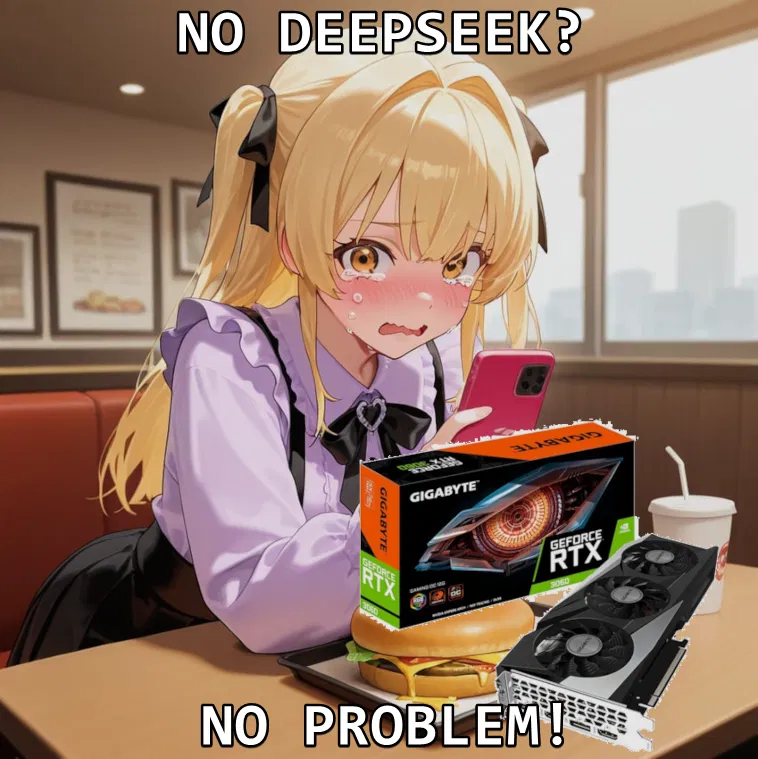
If you possess a decent computer, you can use Kobold to host your own LLMs.
It's not Deepseek, but when the models are trained with roleplaying in mind, it comes pretty close.
This guide describes how, but the website has been down as of late. https://waiki.trashpanda.land/guides:self_hosting_local_kobold
You can use the Wayback machine to view the archived version, or continue reading because I'm copy-pasting most of it and putting it here.
Massive credit to whoever written the guide. Here's to hoping they can fix the website.
------------------------------------------------------------------------------------------------------------------------------------------------------------------------------------------------------------------------------------------------------------------------------------------------------------------------------------
Check Your Hardware
RAM/VRAM: Press Ctrl + Shift + Esc > “Performance” tab.
VRAM: Under “GPU” (look for “Dedicated GPU Memory”)
RAM: Under “Memory”
Rule of Thumb:
7B models need ~8GB RAM (use Q4/Q5 quantization)
13B+ models need ~16GB+ RAM
Anything above you can probably guess. (8gb as in RAM + VRAM together if you do offload to your GPU, you also need to account for context using up more RAM)
Download a Model
Where? HuggingFace (search for GGUF files)
Starter Picks:
8B: Stheno 3.2 8B or Llama 3 8B
12B: MN-Violet-Lotus-12B
Quantization: Use Q4_K_M, Q5_K_M, or higher (avoid anything lower, they’re kinda dumb)
((nobody asked me, subs455, but I'm a fan of Mawdistical_Squelching-Fantasies-qw3-14B-Q4_K_M
and MN-12b-RP-Ink-Q6_K))
Install KoboldCPP
Download KoboldCPP (the easiest way to run GGUF models for me personally)
Open koboldcpp.exe.
(If you don’t have a GPU, use LM Studio! There are guides out there specifically for it)
Configure KoboldCPP
Click Browse and select your GGUF model file.
Backend Settings:
NVIDIA GPU? Use CUBlas.
AMD GPU? Use Vulkan.
No GPU? Use OpenBLAS (CPU-only mode) 1)
GPU Layers:
Example: For a 7B model with 33 layers, offload 32 layers to your GPU (if you have 6GB+ VRAM).
Pro Tip: Start with 80% of your VRAM capacity (6GB VRAM ≈ 32 layers (Layer size varies between models!) (You can also use this helpful calculator)
Tweak Settings
Context Size: Start at 4096 (increase if you have RAM to use).
Faster Processing: Enable MMQ, FlashAttention, ContextShift, and FastForwarding
MMQ: Basically, do math in a different way that makes it more VRAM friendly
FlashAttention: Calculates which parts are important instead of doing it for each individual piece (this is really dumbed down dont quote me)
ContextShift: Reduces preprocessing, basically it’s slow initially, but it doesn’t have to go through every single message unless you edit something previously. Makes it wayyyy faster to regenerate prompts.
FastForwarding: Let’s the model skip reused tokens in the context that has already been processed
Run the Model!
Click Launch. Once loaded, open http://localhost:5001 in your browser to chat.
If you're encountering any issues with memory, I.E “Failed to allocate memory”
Try: Reducing GPU layers, context, switching to a lower Quantization, OR swapping to a smaller model.
You can also attempt to Quantize KV cache in the “Tokens” tab, which essentially compresses down context to lower VRAM/RAM usage. (Same issues, more compression = more quality loss, not really noticeable(?))
If some models straight up just don't load (Newer models)
Try updating KoboldCPP to the latest version.
Janitor API Setup
Check Remote Tunnel in KoboldCPP.
Copy the Cloudflare API URL from the console (looks like http://random.words.here.trycloudflare/v1)
In JAI:
API Endpoint: Paste the URL and add /chat/completions at the end.
API Key: Type anything (it’s ignored).
Model Name: Use the filename or anything you want (stheno-8b-q5_k_m)
Refresh the page after every change. Otherwise, it wouldn't work as JAI thinks it's on the previous API.
Okay... Can I see an example of how much speed I'd get?
My Personal Setup:
PC Specs: i5-11400H, RTX 3060 (6GB VRAM), 32GB DDR4 RAM.
Stheno 8B (Q5_K_M):
Offload 32/33 layers to GPU → Processes 350 tokens per sec, generates 12–17 tokens/sec.
MN-Violet-Lotus-12B (Q6_K):
Offload 26/41 layers to GPU → Processes 120 tokens per sec, generates 4 tokens/sec (slow but usable).
Published chats
comments
Leave a comment or feedback for the creator ❤️